How it Works
A manual for strategic harmony and market survival
Your Daily Assets
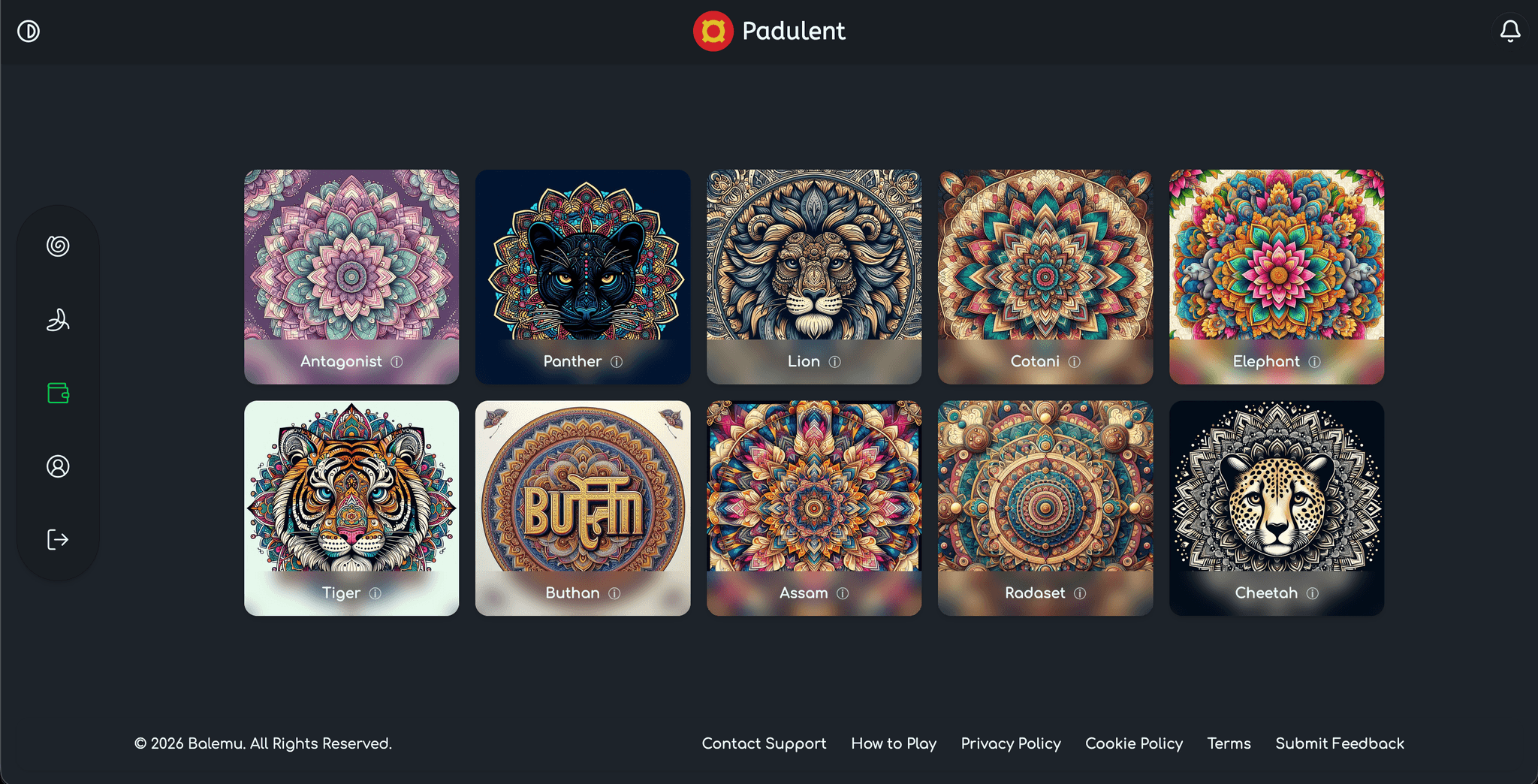
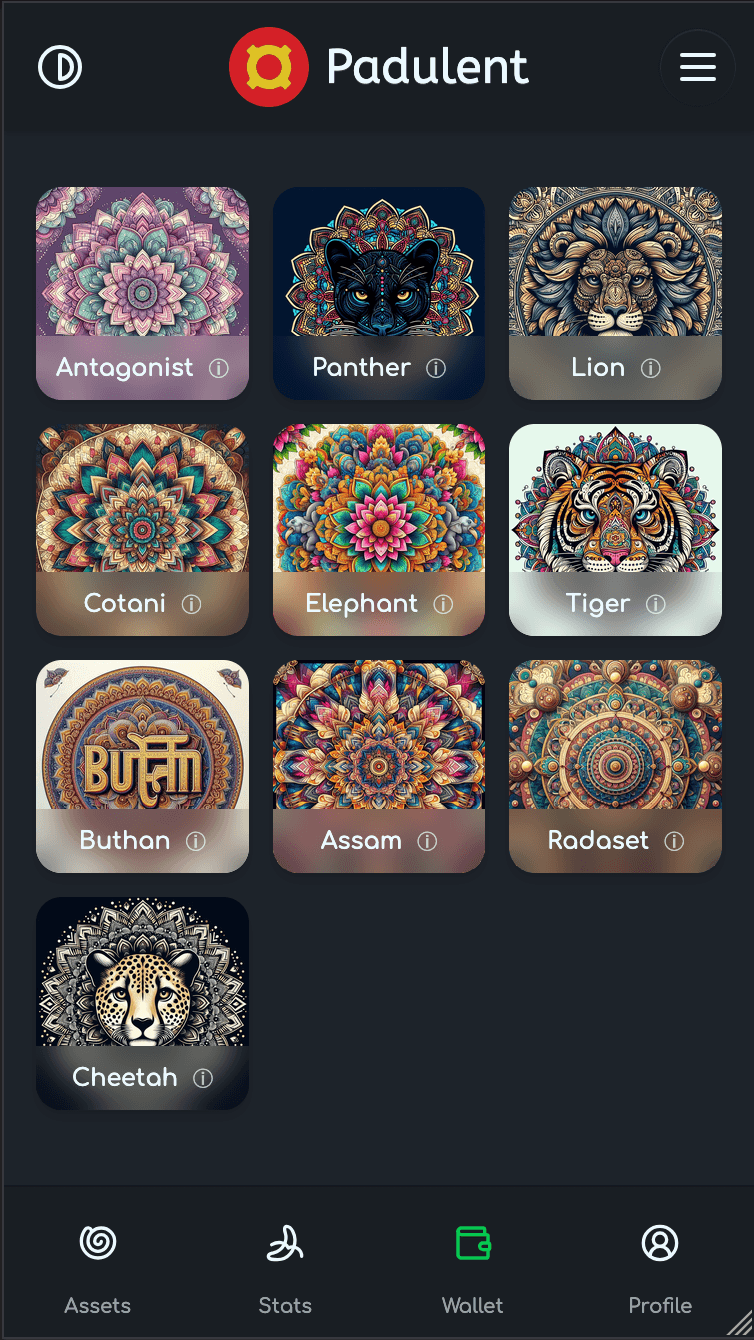
Every day, the system picks a unique "portfolio" for you. Out of a total of 10 assets in the game, you will be assigned 4 assets to manage for the day. We handle the selection automatically so you can focus on the strategy rather than the stress of choosing. Because your assets change every day, the challenge stays fresh and keeps everyone on their toes.
Activation and Redemption
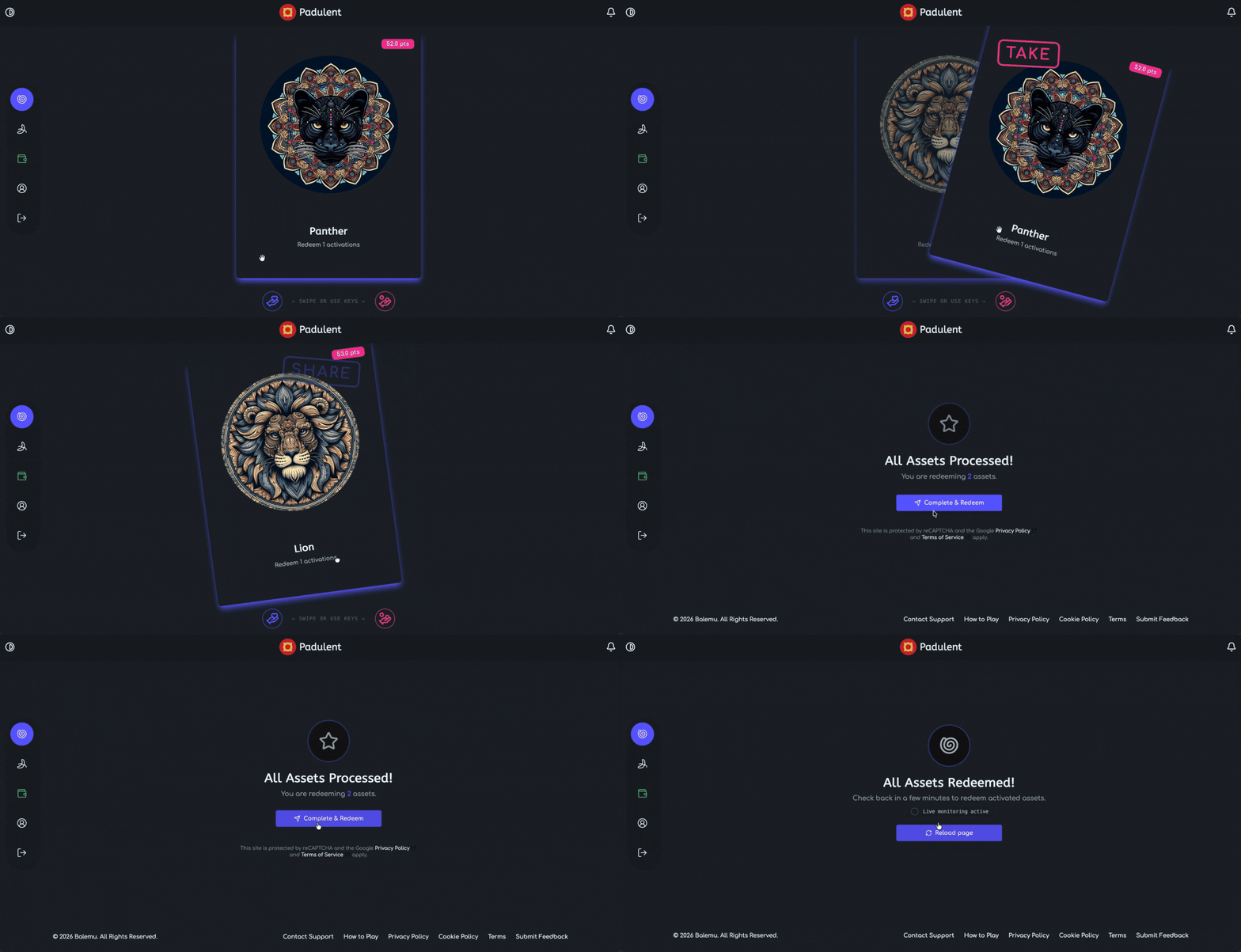
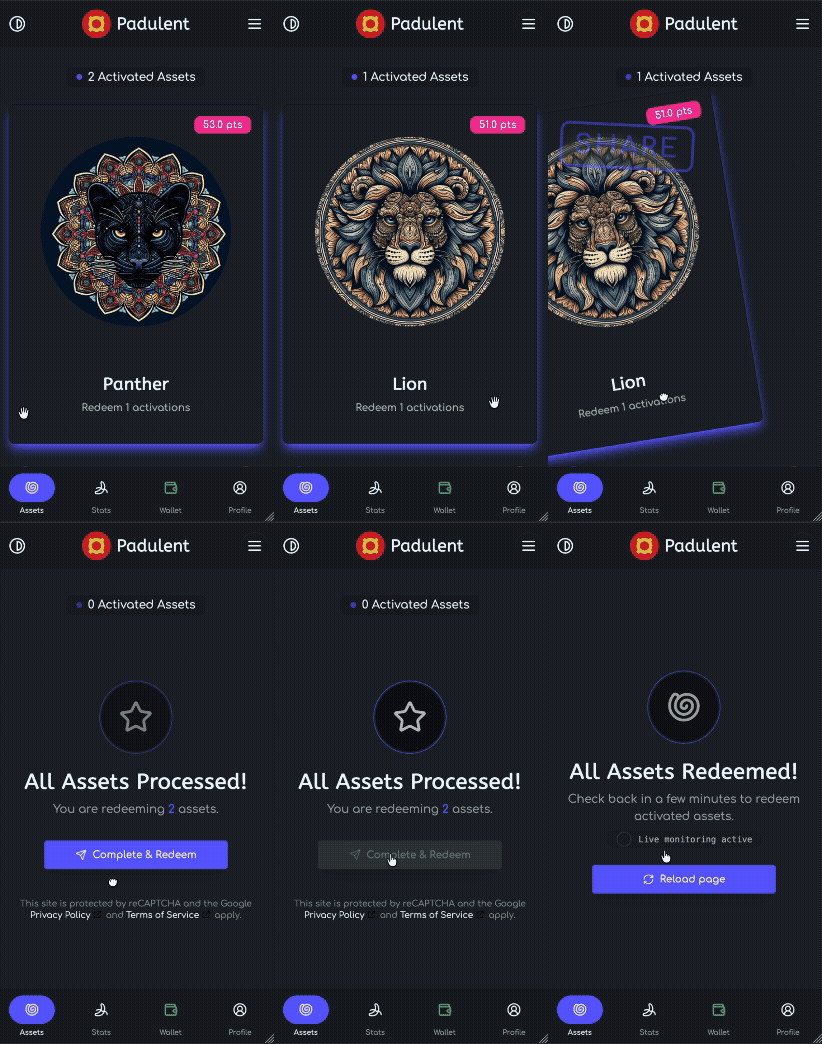
Throughout the day, your assets will "activate" at random times. When this happens, a card will appear on your Assets page. You can redeem these activations by swiping the cards:
- TAKE (Swipe Right)
You claim these points (the ones in pink in the screenshot) for yourself. They are added to your Pending Points for the day.
- SHARE (Swipe Left)
You donate the points to the Asset Pool. This keeps the asset healthy.
- Confirm
Once you've made your choices, tap the "Complete & Redeem" button to lock your redemptions in. Check again later to redeem more activations throughout the day as they come in.
But wait - why would I choose to SHARE?
Think of an asset like a shared bank account. In order for the system to give you your Pending Points, the asset must have enough Shared points to cover the Taken points. If everyone takes and nobody shares, the Asset crashes. To get your pending points, you need to ensure the Asset Pool is larger than the Total Takes.
The Catch: Midnight Settlements
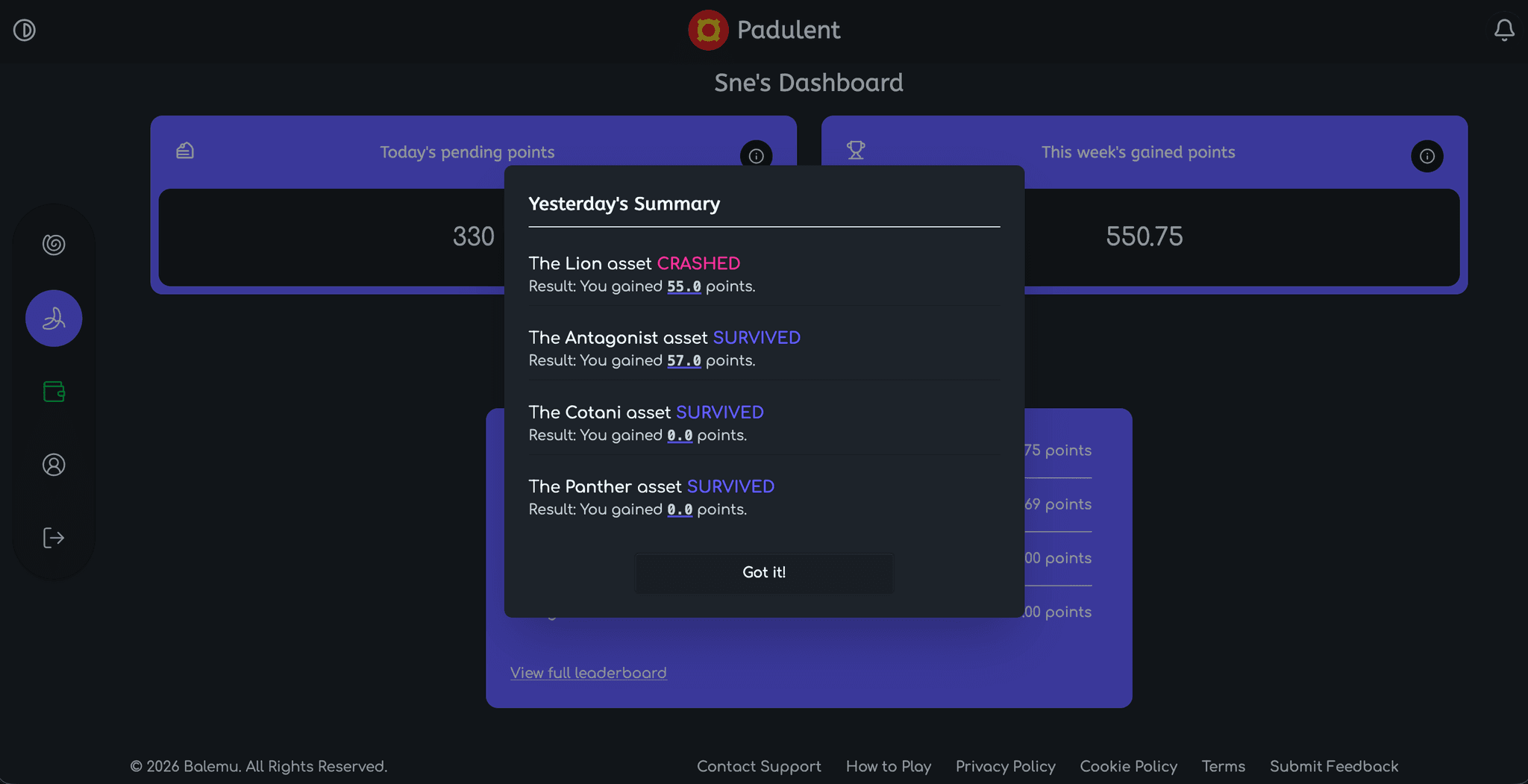
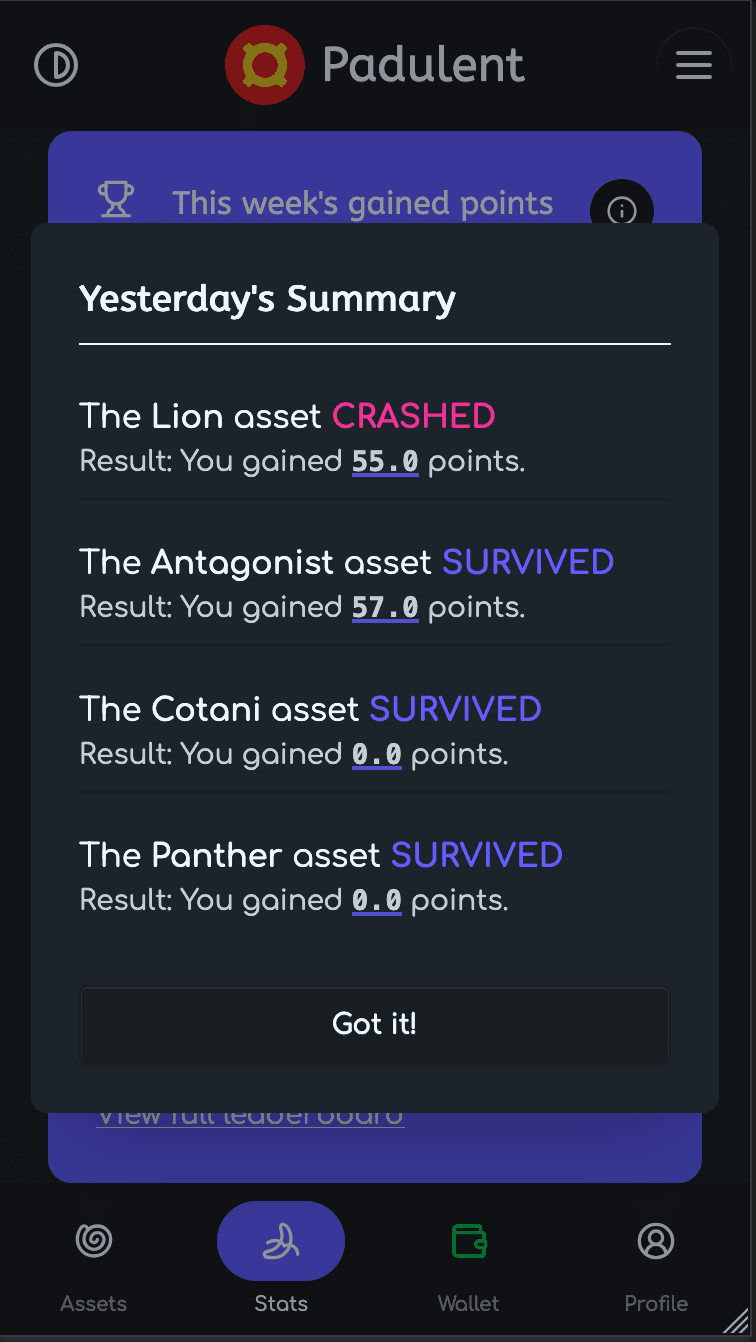
At the end of the day, we calculate every asset's health to see who gets rewarded points:
- The Survival
If the Asset Pool is bigger than the Total Takes, the market survives. Takers receive all their Pending Points as "Gained Points" and Sharers receive 0 (their "donation" worked)
- The Crash
If greed wins and Total Takes are higher than the Asset Pool, the market crashes. Takers lose their Pending Points for the day. The Sharers, however, are rewarded by splitting a guaranteed system bounty.
Tracking Your Progress
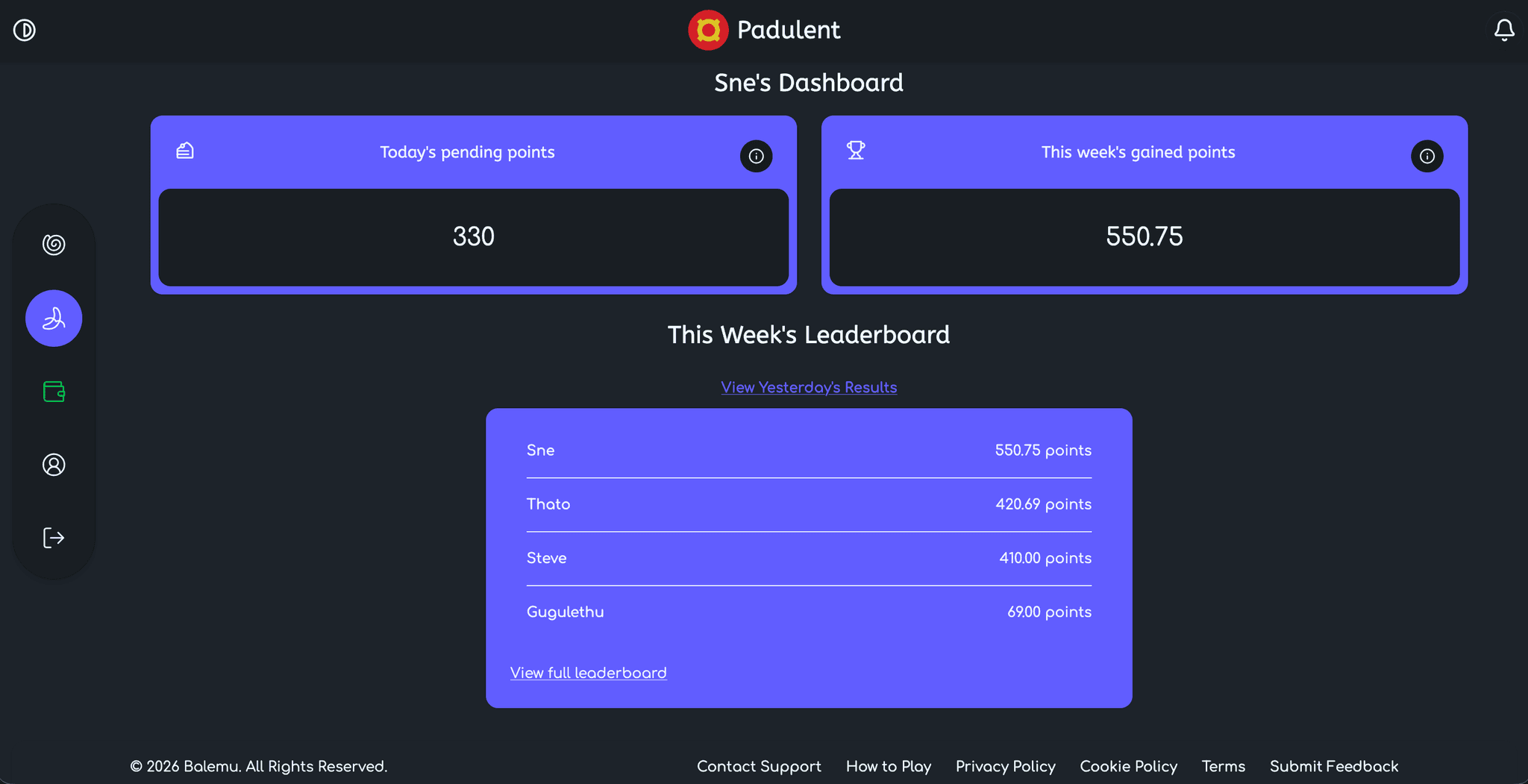
You can track your weekly progress to see how many points you've accumulated on your dashboard. The dashboard below shows the following information:
- Today's Pending Points
These are your "maybe" points. They represent everything you've "Taken" today that is waiting for the Midnight Settlement. The goal is to take as much as possible without pushing the asset over the edge into a crash.
- This week's Gained Points
These are your "banked" points. These are the points awarded to you after midnight settlements. This is the only number that matters for the leaderboard.
- Player Leaderboard
This is a ranking of all players (updated every day) based on their Gained Points for the current week.
The Winner
Every Sunday, the weekly cycle concludes.
- Winner-Takes-All
The single player at the top of the leaderboard wins the entire weekly cash prize.
- The Tie
If two or more players are tied for the top spot, the prize is split equally among them.
- The Reset
After the prize is awarded, all points reset to zero for the start of the next week.
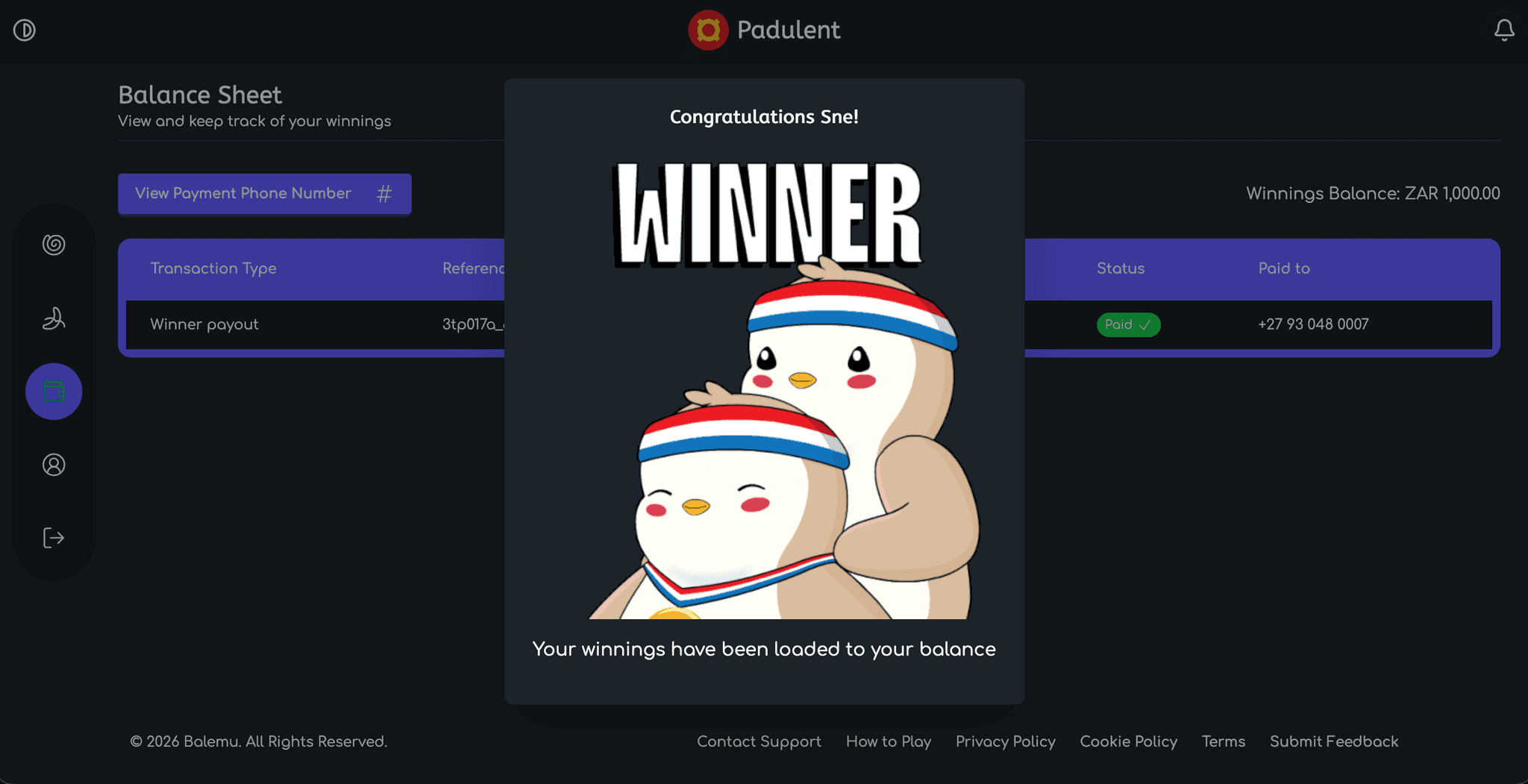
PLEASE NOTE: TO MAXIMISE EFFICIENCY, SAFETY AND SECURITY, WE USE PayShap TO PAY YOUR WINNINGS INTO YOUR BANK ACCOUNT. MAKE SURE THAT YOU USE THE PHONE NUMBER THAT IS ABLE TO RECEIVE PAYMENTS INTO YOUR ACCOUNT VIA PayShap.
Please contact your bank to know if your number can receive PayShap payments
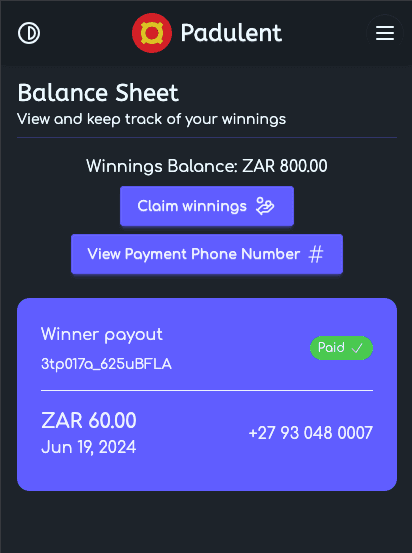
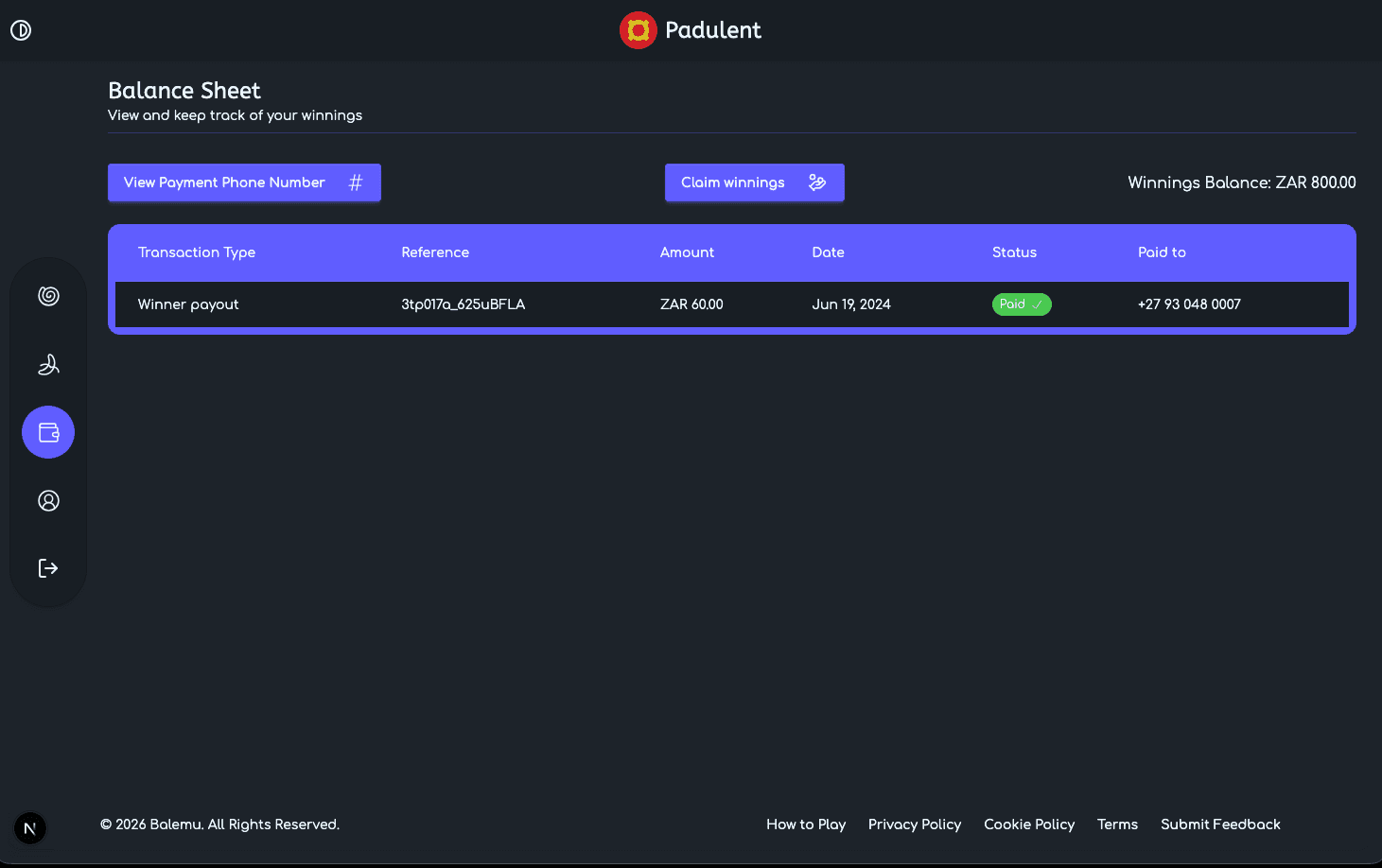
Before withdrawing you winnings, you need to verify your ShapID by navigating to the "Balance Sheet" page, clicking/tapping on the "Edit Payment Phone Number" button, enter your phone number and verify using the OTP we send (NEVER share your OTP with anyone).
Only when you have verified your ShapID shall you be able to withdraw your winnings by navigating to the "Balance Sheet" page, clicking/tapping on the "Claim Winnings" button and confirming your withdrawal, you can only withdraw all your winnings and not a portion.
After confirming your withdrawal, a new payment will be added to your Balance Sheet with payment status "Pending". When we are processing your payment, the payment status will switch to "Processing" and once we have successfully paid your winnings, the payment status will switch to "Paid".